
Cleaning operations software
The operating system
for cleaning companies.
Moonfoos connects every part of your operation — scheduling, on-site clock-in, quality control, payroll and invoicing — so your cleaners get on with the work, and your clients see the proof.
The problem
You run a cleaning company.
Not a data-entry department.
Every month, someone adds up hours from loose timesheets to pay staff and bill clients. Moonfoos does that work for you — from the clock-ins that actually happened, on site.
The platform
Everything you need. Nothing you don’t.
Turn on the modules your contract needs — the rest stays off.
Scheduling & rounds
Assign cleaners, absorb absences and rebalance rounds without rebuilding the month from scratch.
On-site clock-in
NFC or mobile. Hours come from the site — not from a spreadsheet retyped on Friday night.
Quality control
Checklists, time-stamped photos and client sign-off, captured on the spot.
Payroll by shift type
Day, evening, weekend, public holidays. Every rate lands where it belongs, automatically.
Invoicing
Clients are billed for the work that was actually done — not the work that was planned.
Employee portal
Schedule, hours and leave in your cleaner’s pocket. You stop fielding calls about the schedule.
Moonschat — the AI layer
Ask your operation a question. The answer comes from your schedules, sites and invoices, not from the open internet.
Industries
Built for the way cleaning companies work.
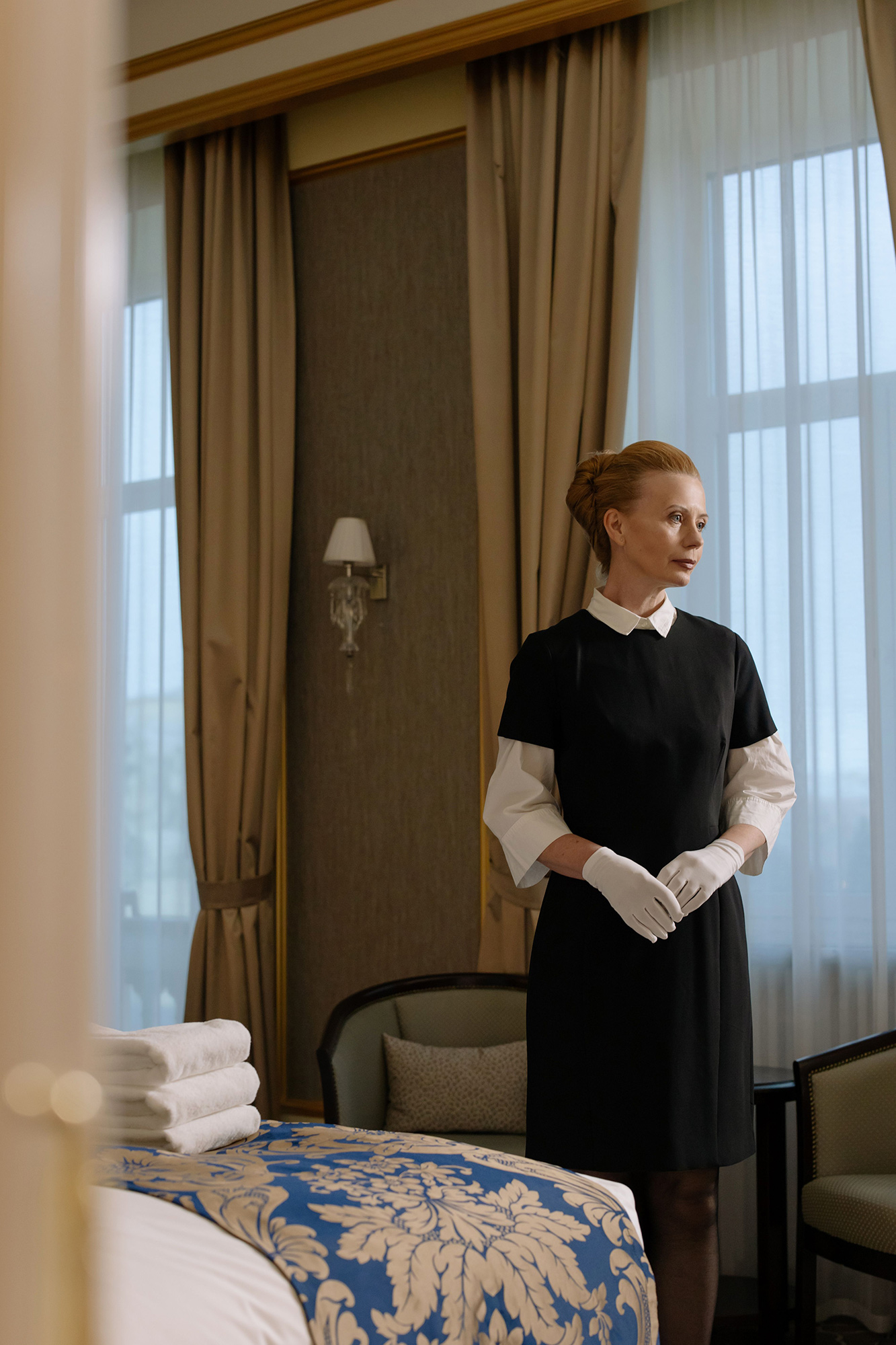
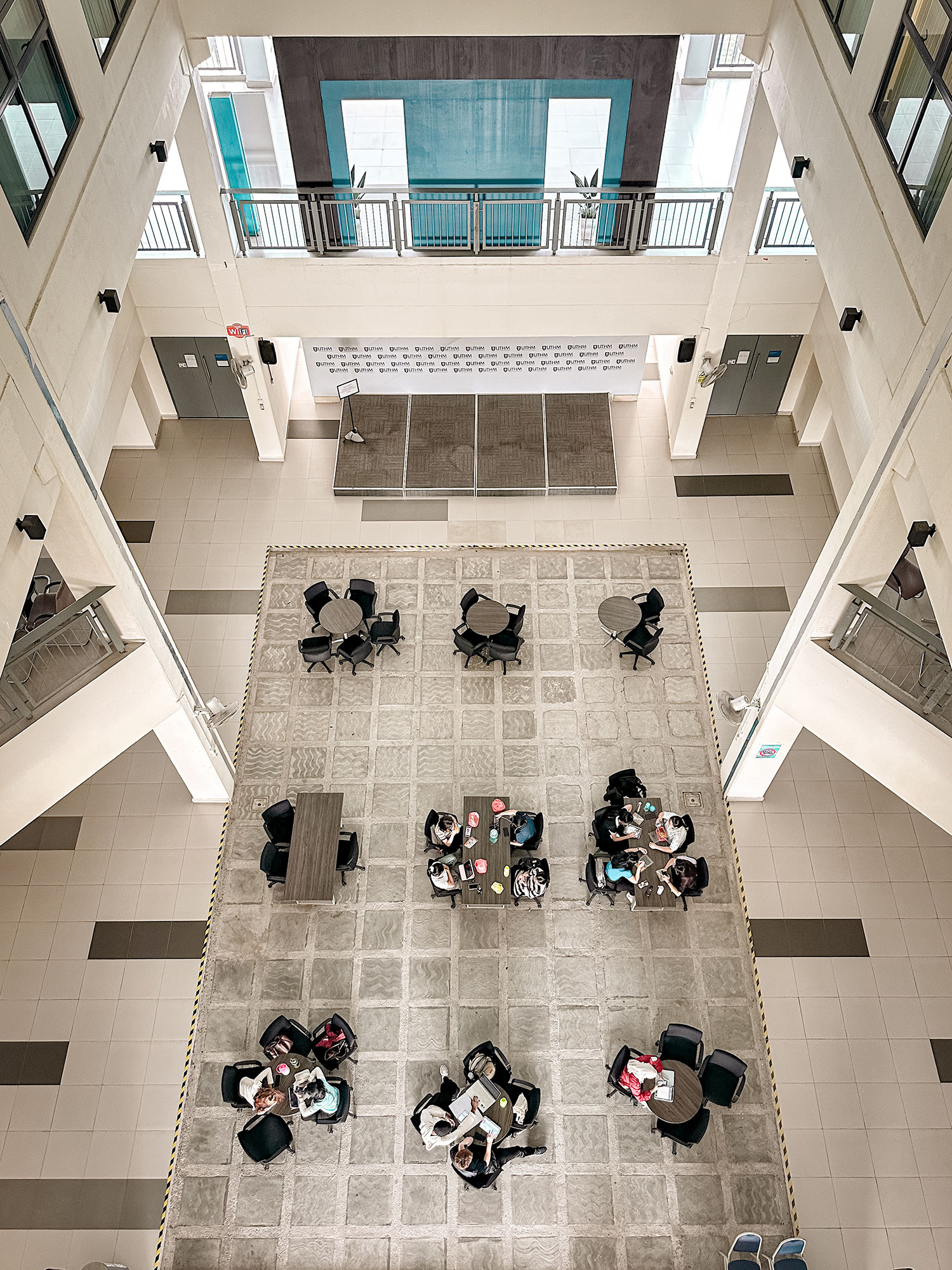
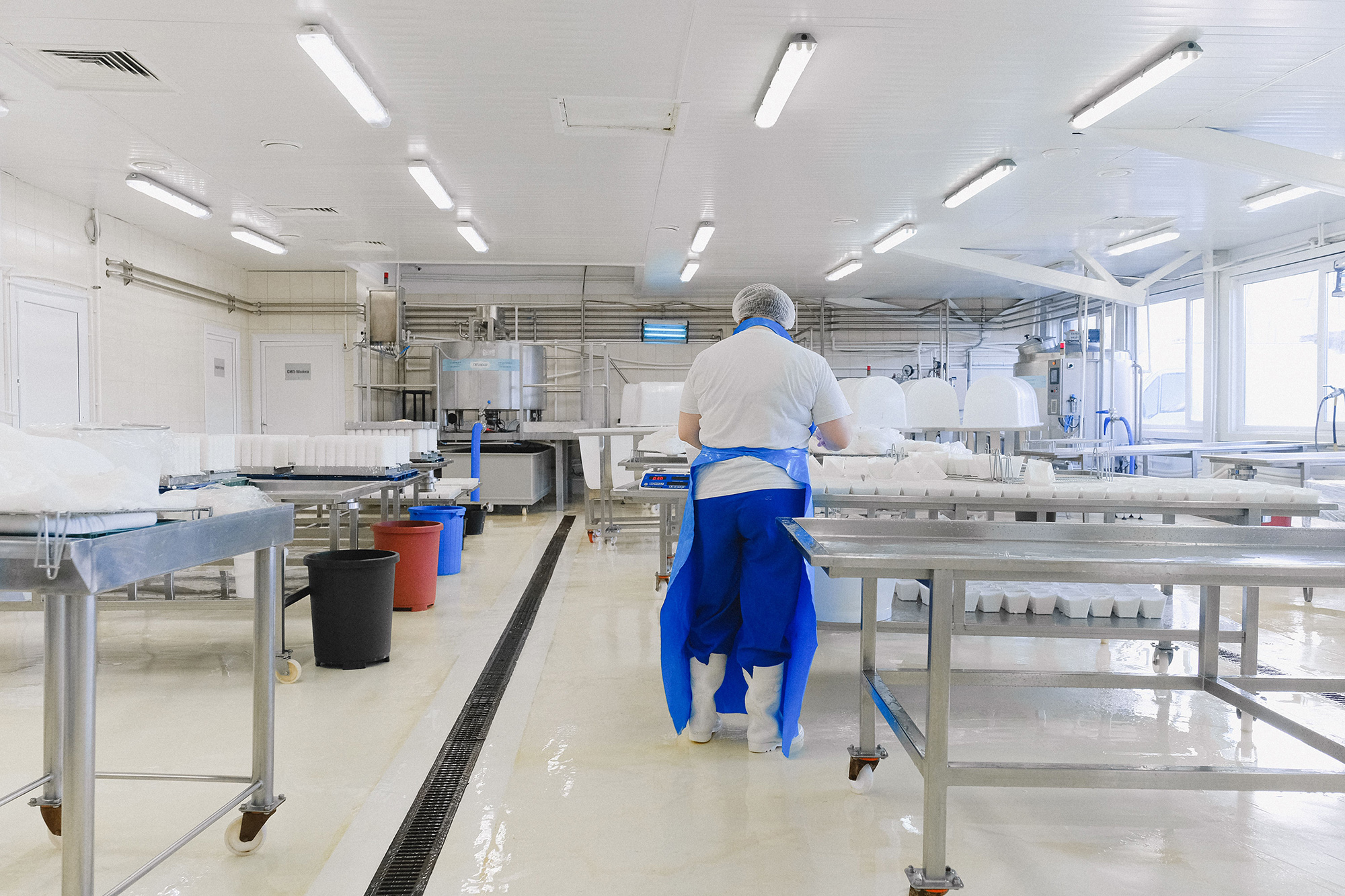
Every role
Every role in the company reads from the same record.
Five jobs, one platform, five different views of the same shift.
Operations managers
Every site, every shift, every exception — without the email chain.


Integrations
Plugs into the tools you already run.
Payroll, accounting, hospitality. Moonfoos feeds the systems you already have instead of asking you to replace them.
Silae
Sage
Pennylane
SAP
Fortnox
Mews
Questions
What buyers ask before the demo.
What exactly does Moonfoos replace?
The four descriptions of the same shift: the rota, the timesheet, the payroll input and the client invoice. The hours are written down on site when the shift starts and ends, and everything downstream is generated from that one record — so nothing is retyped at month-end. You switch on the modules your contract needs and leave the rest off.
Do my workers need new phones?
No. Nothing is issued to the worker: an NFC tag goes on site, and any phone with NFC reads it. Where a phone cannot read tags, the mobile clock-in records the same shift at the same site. The worker sees their own hours as the week runs, in their own language. How clock-in works
What happens to my current payroll platform?
It stays. Moonfoos is the record of what happened on site, and it hands your payroll system clean data instead of asking you to replace it. The rates your collective agreement sets are configured once and applied to every timesheet. Payroll and timesheets
Can clients see their own sites?
Yes. The client portal shows what was cleaned, when, by whom, with the quality-control photos attached — so the monthly “what did we actually do?” conversation starts from the same record both sides are looking at. The client portal
What does it cost?
You pay for the sites you run and the modules you switch on, not for a seat per person. The exact figure depends on your sites and your contract, so it comes as a quote — the model is set out on the pricing page.
Live in under 48 hours.
Your sites, your staff and your clients in one place. We’ll show you in 30 minutes.